Product design.
Reimagining the live production experience
A two year project to reimagine Grabyo’s live production platform, transforming a legacy experience into a more intuitive, cohesive and accessible interface for professional video production workflows.
Using the MUI design system as a foundation, I redesigned key areas of the platform, bringing clarity and consistency to a complex product used to manage live production, audio, replays, recordings, media assets and user permissions.
The focus was on making sophisticated tools easier to navigate, creating a consistent experience across workflows and establishing a stronger design foundation for the platform.
The challenge
Making complex workflows feel intuitive
Live video production involves multiple interconnected tasks, from managing control rooms and audio to recording content, creating replays and organising media assets.
The challenge was to rethink the existing platform and make these workflows easier to understand and use, without compromising the functionality required by professional users.
The experience also needed to accommodate different user roles and account-management tasks, while maintaining consistency across a broad set of features.
The approach
A more considered experience, built around real workflows
I reimagined the platform’s interface with an emphasis on usability, structure and consistency.
Using MUI as the design-system foundation, I developed a cohesive interface approach across the platform’s core features. This included refining layouts, organising information, establishing consistent interface patterns and designing clearer interactions across production and administrative workflows.
Rather than treating each feature as an isolated screen, the work focused on creating a connected experience. One that felt consistent as users moved between different tools and tasks.
Designing the platform
One system across multiple workflows
Live production
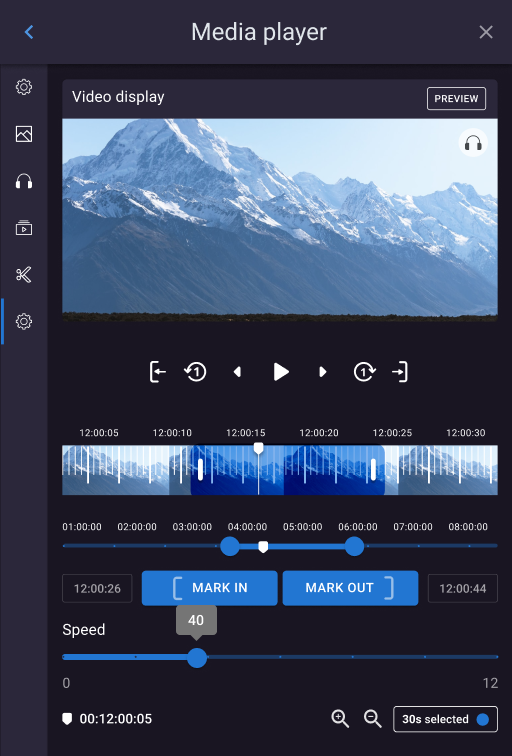
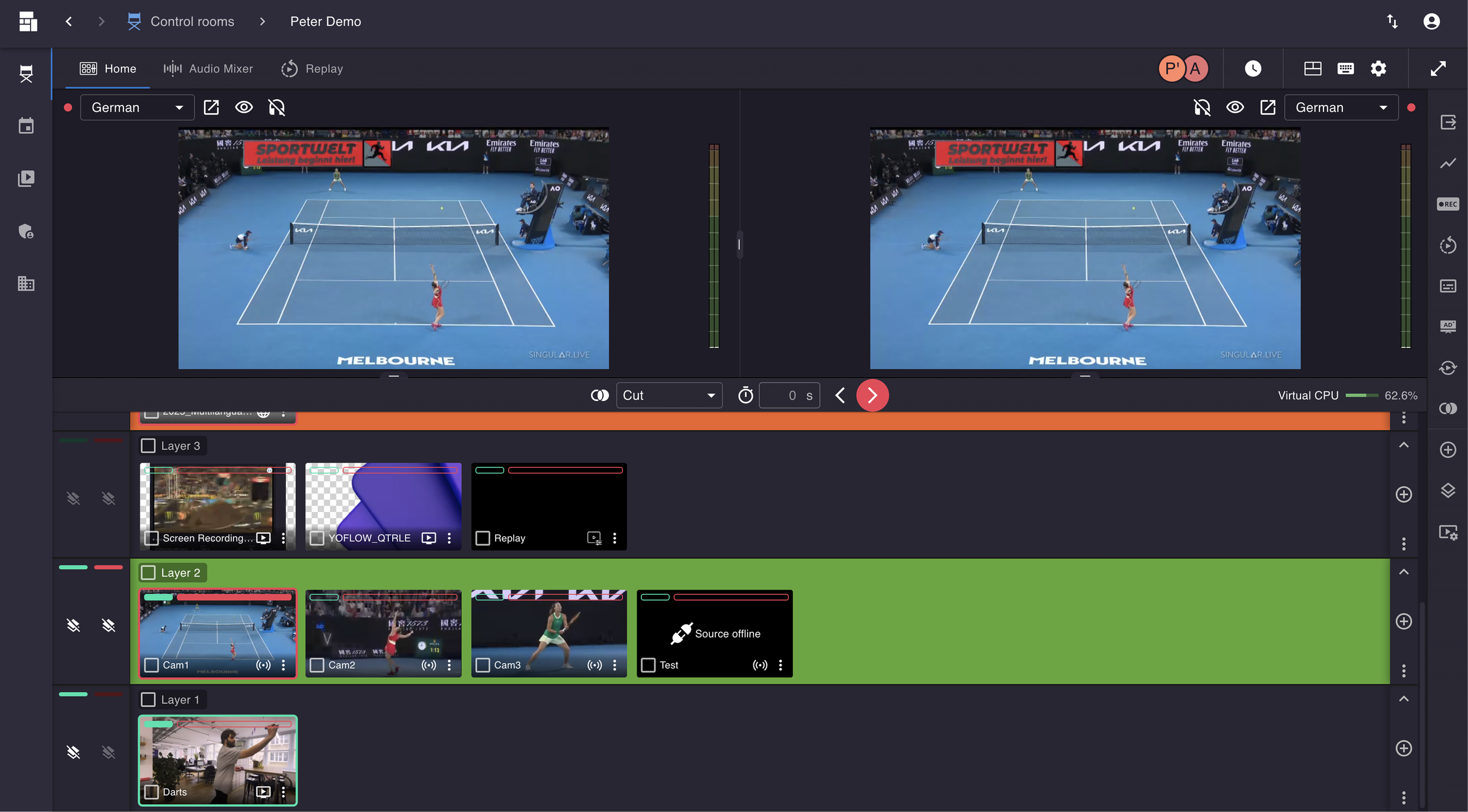
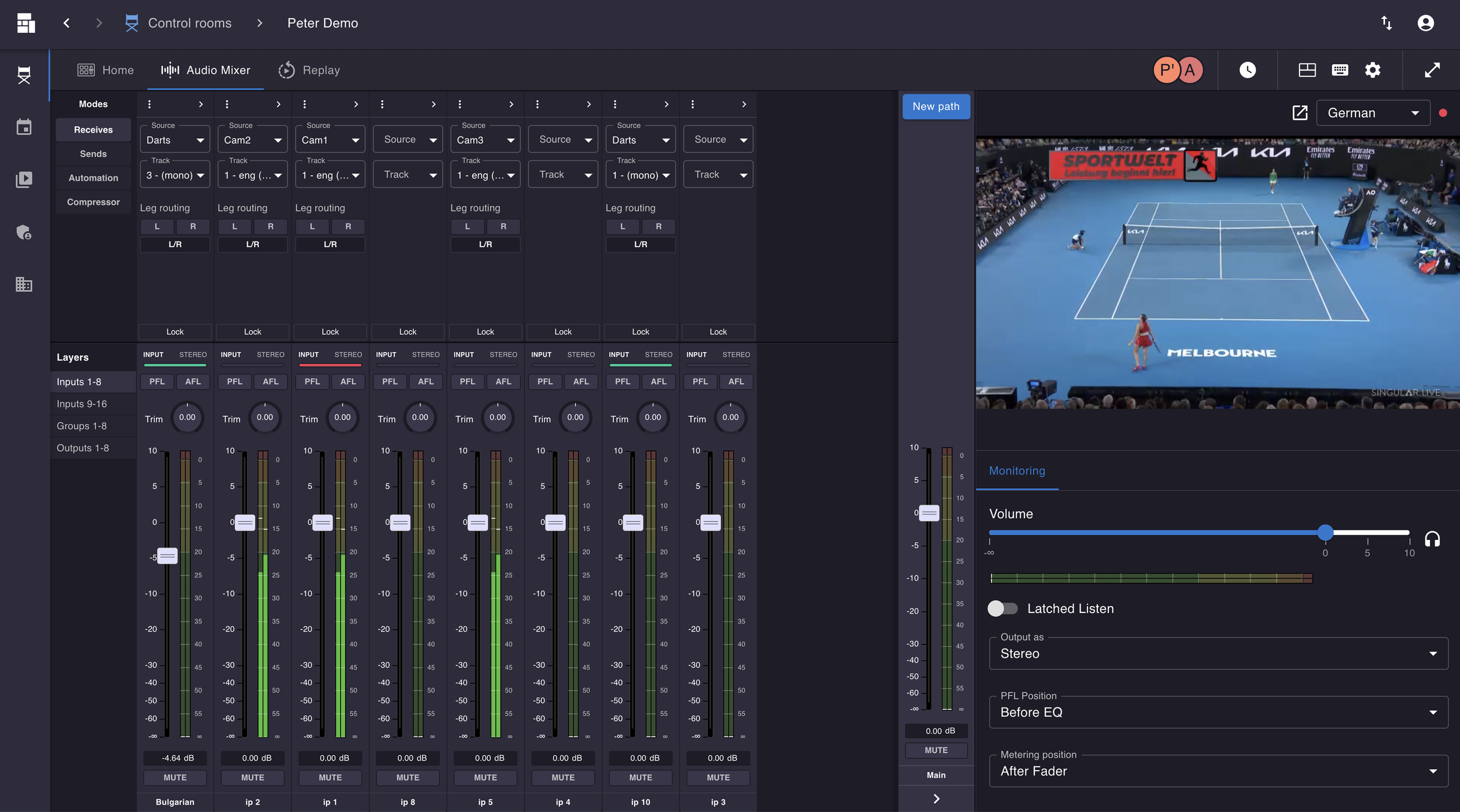
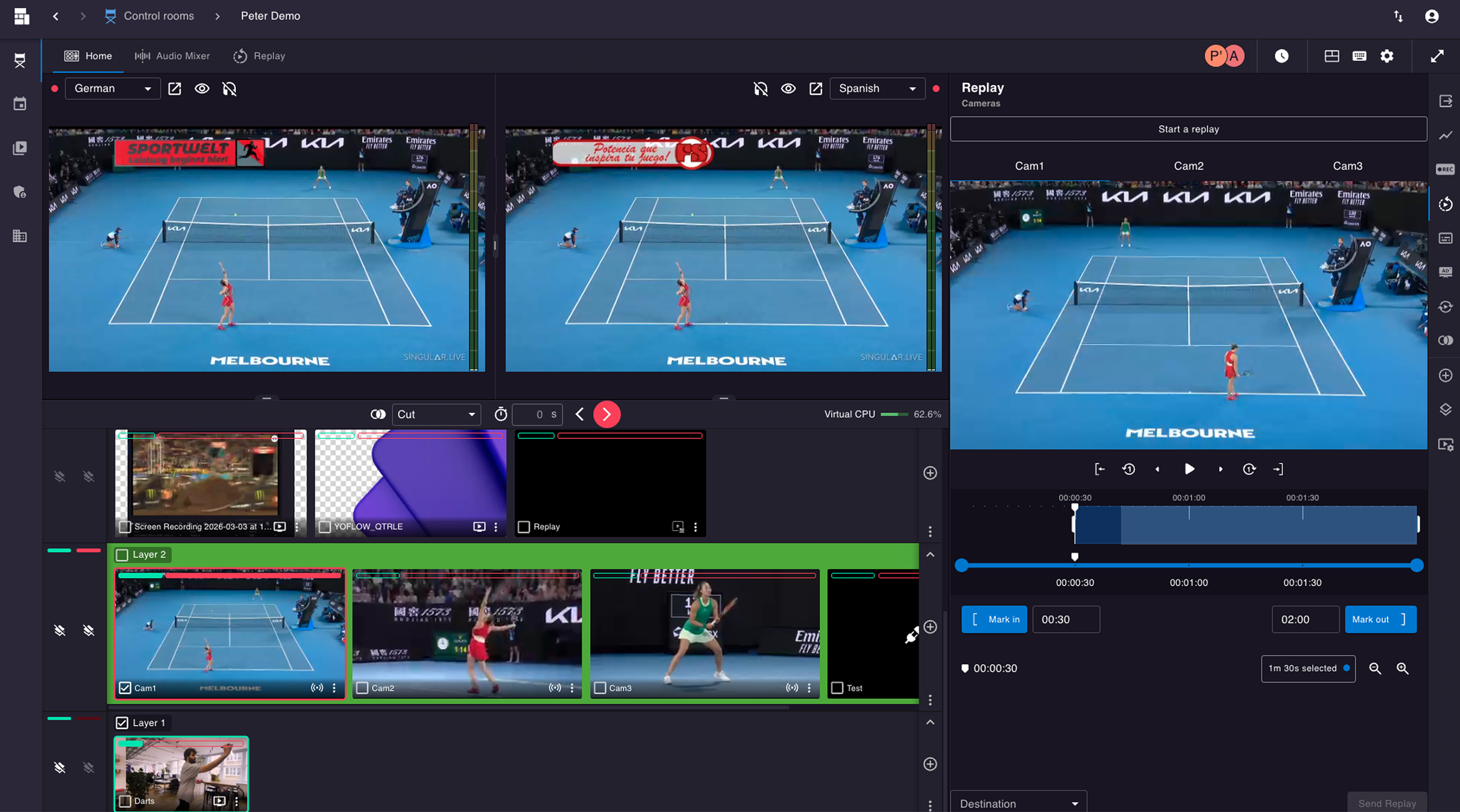
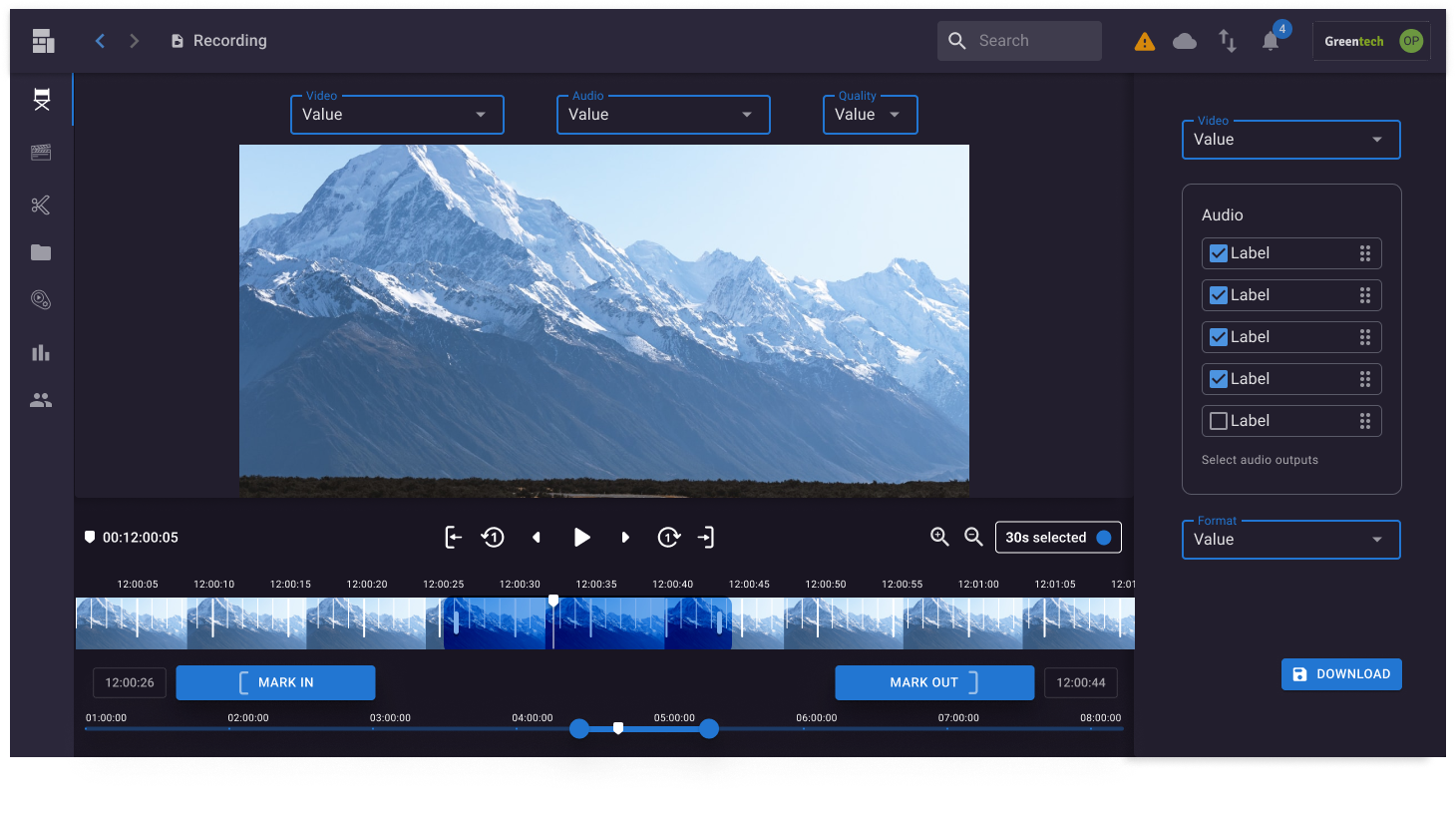
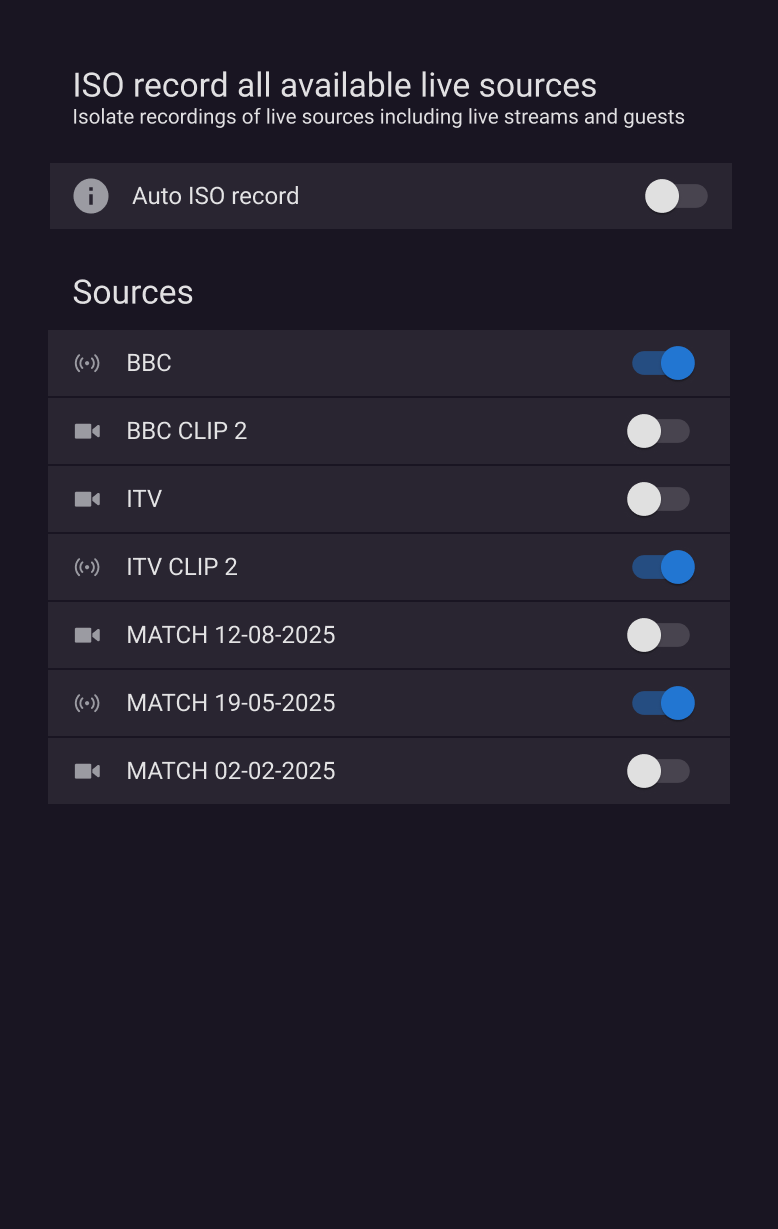
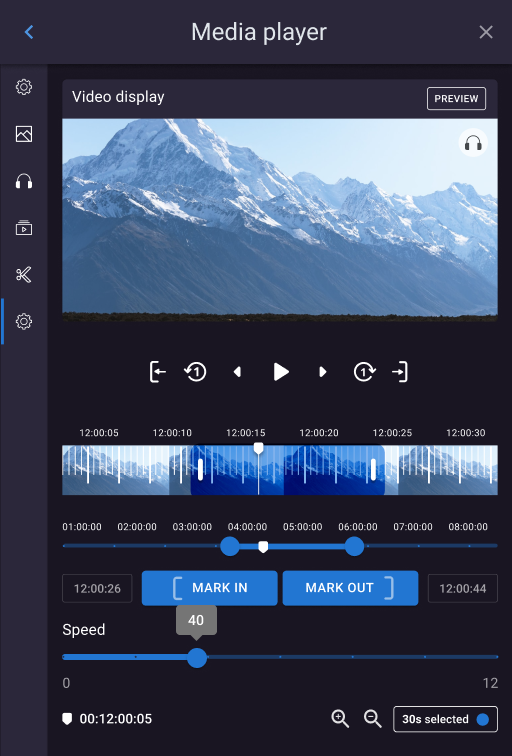
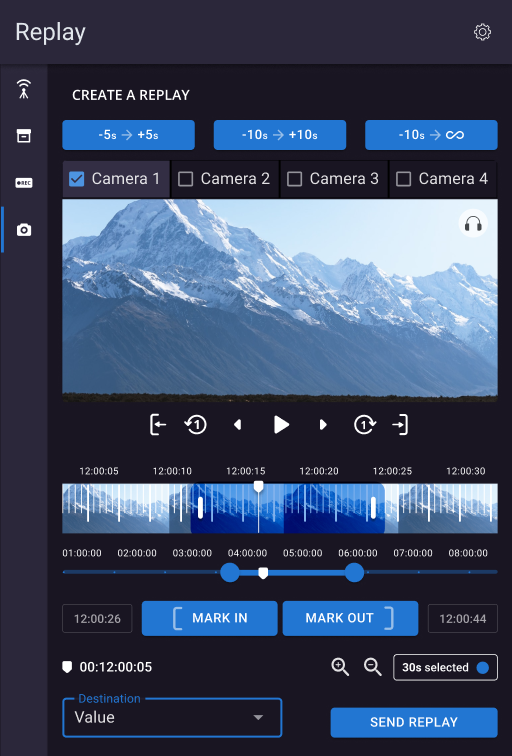
The control room experience brings key production tools together in a structured interface. Dedicated views for audio mixing, replay and recording support distinct tasks within the wider live production workflow.
Media and asset management
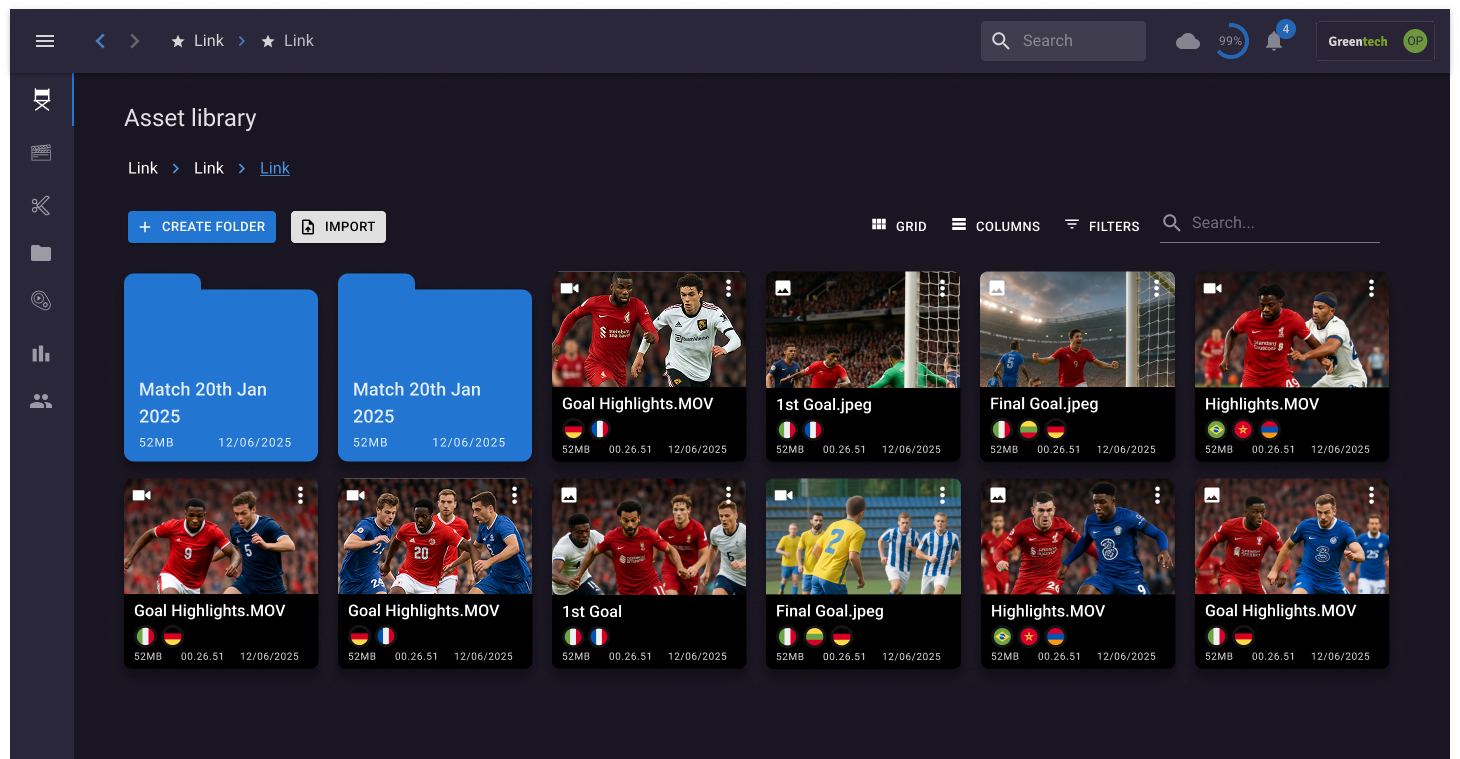
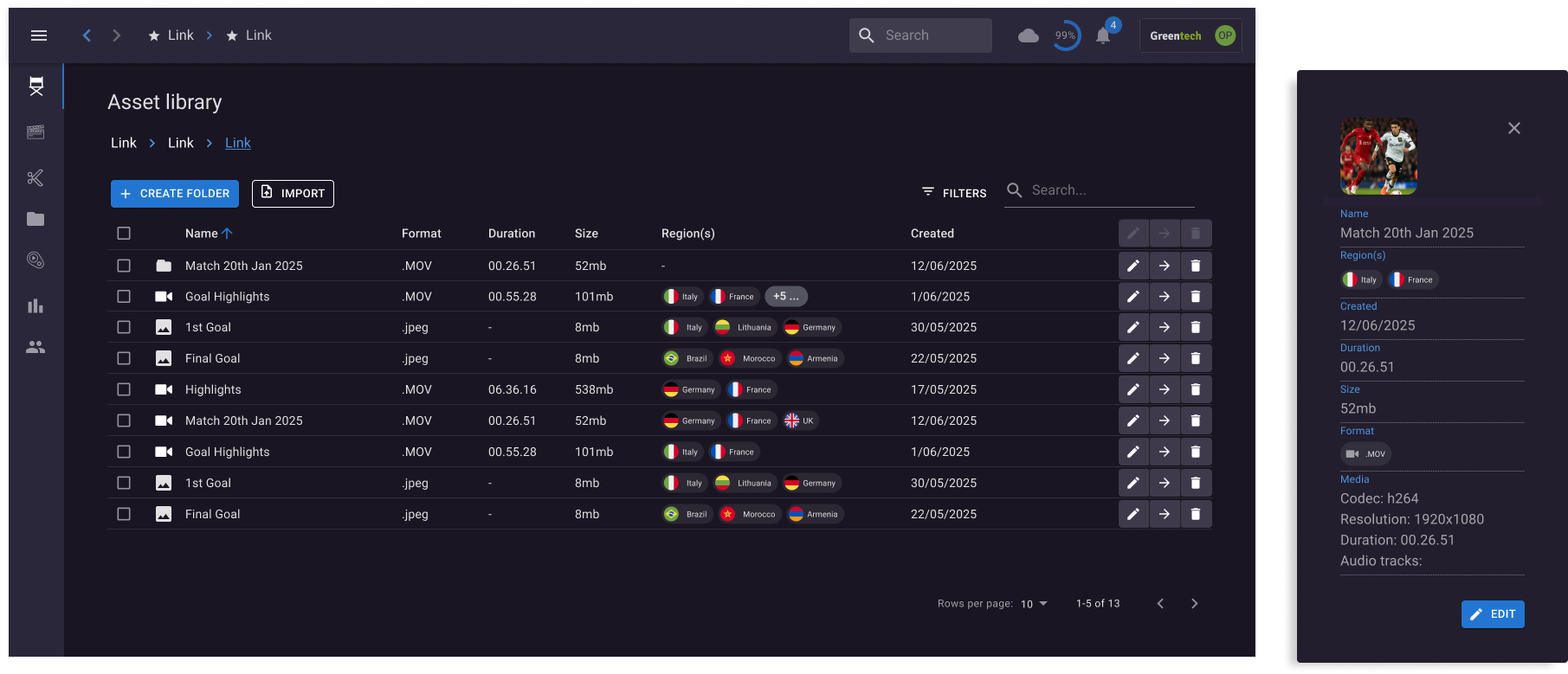
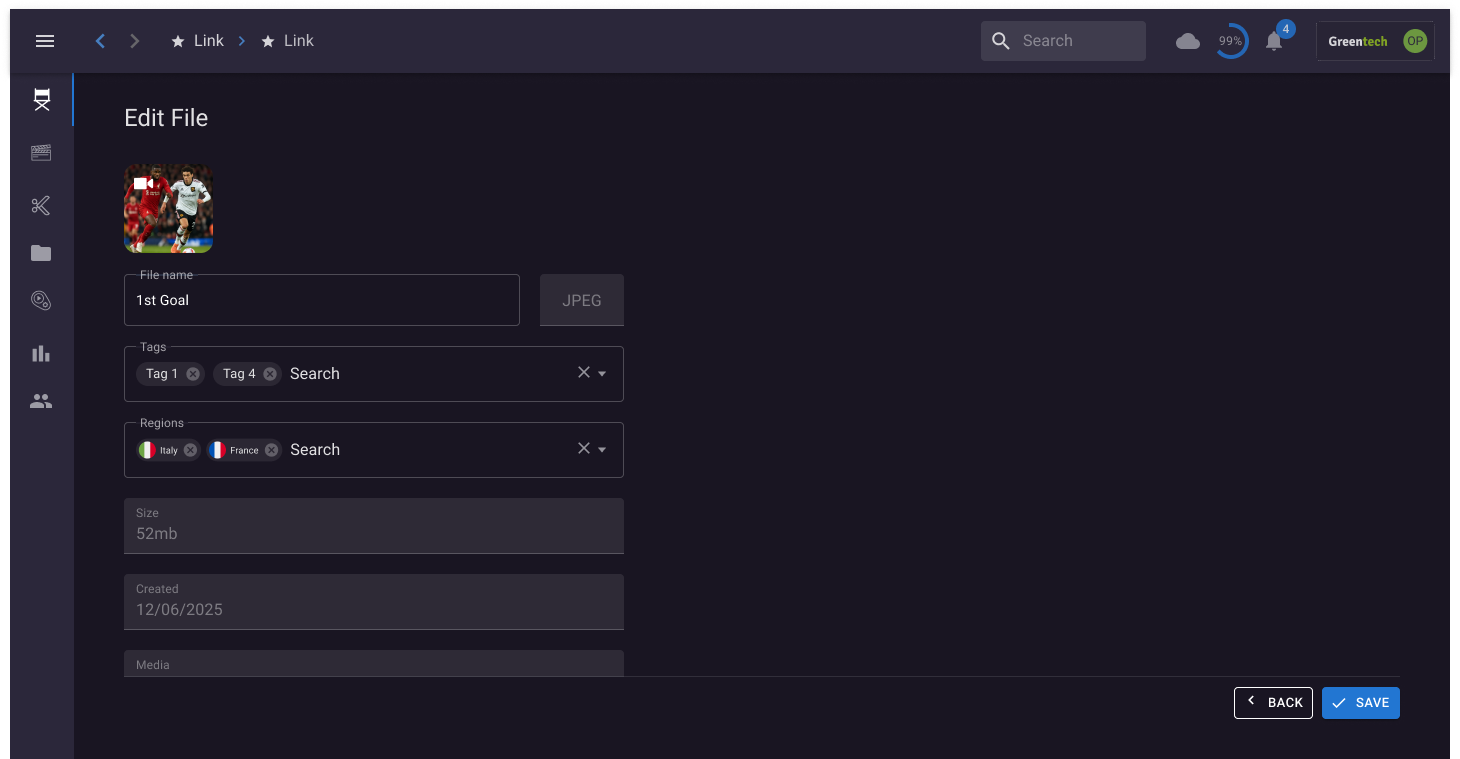
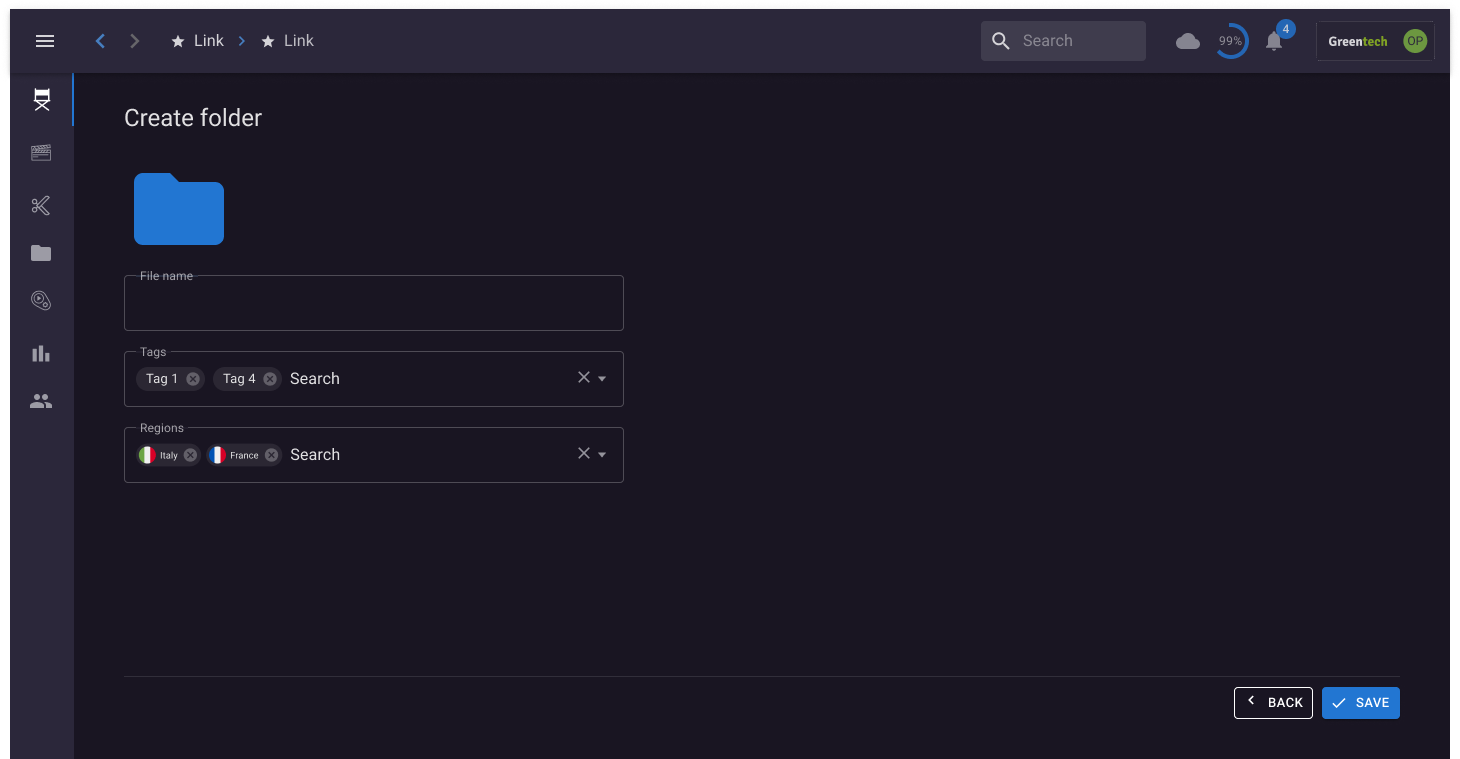
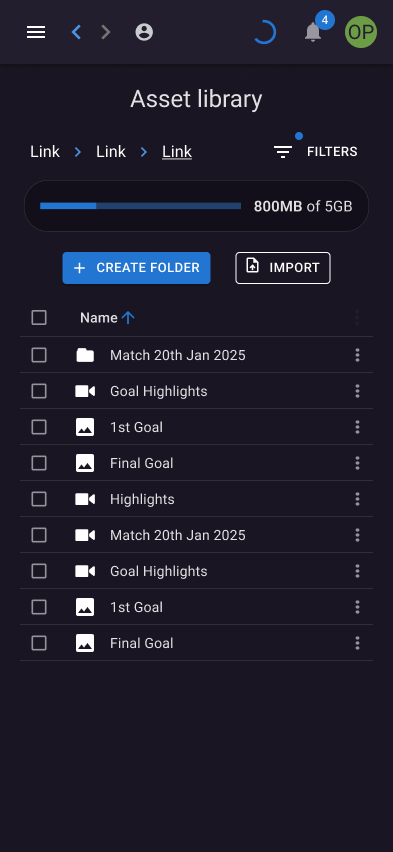
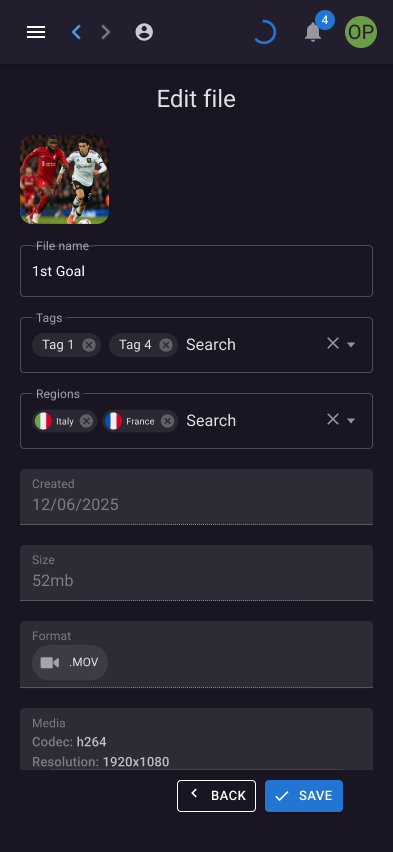
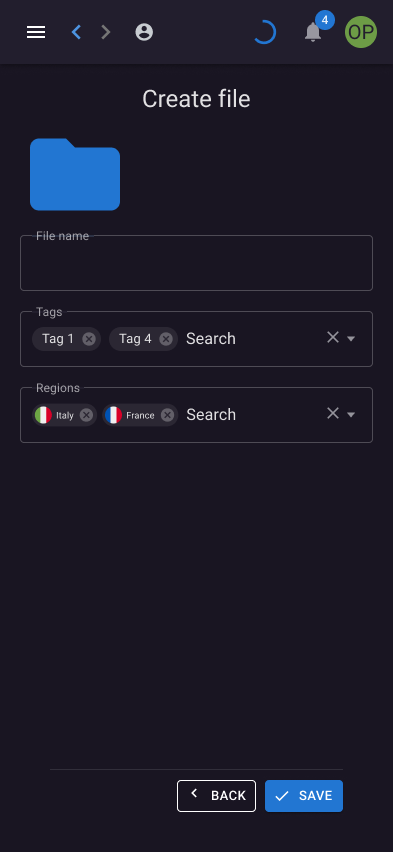
The asset library provides ways to browse and manage media, with list views and file-editing interfaces supporting the organisation of content.
User and account management
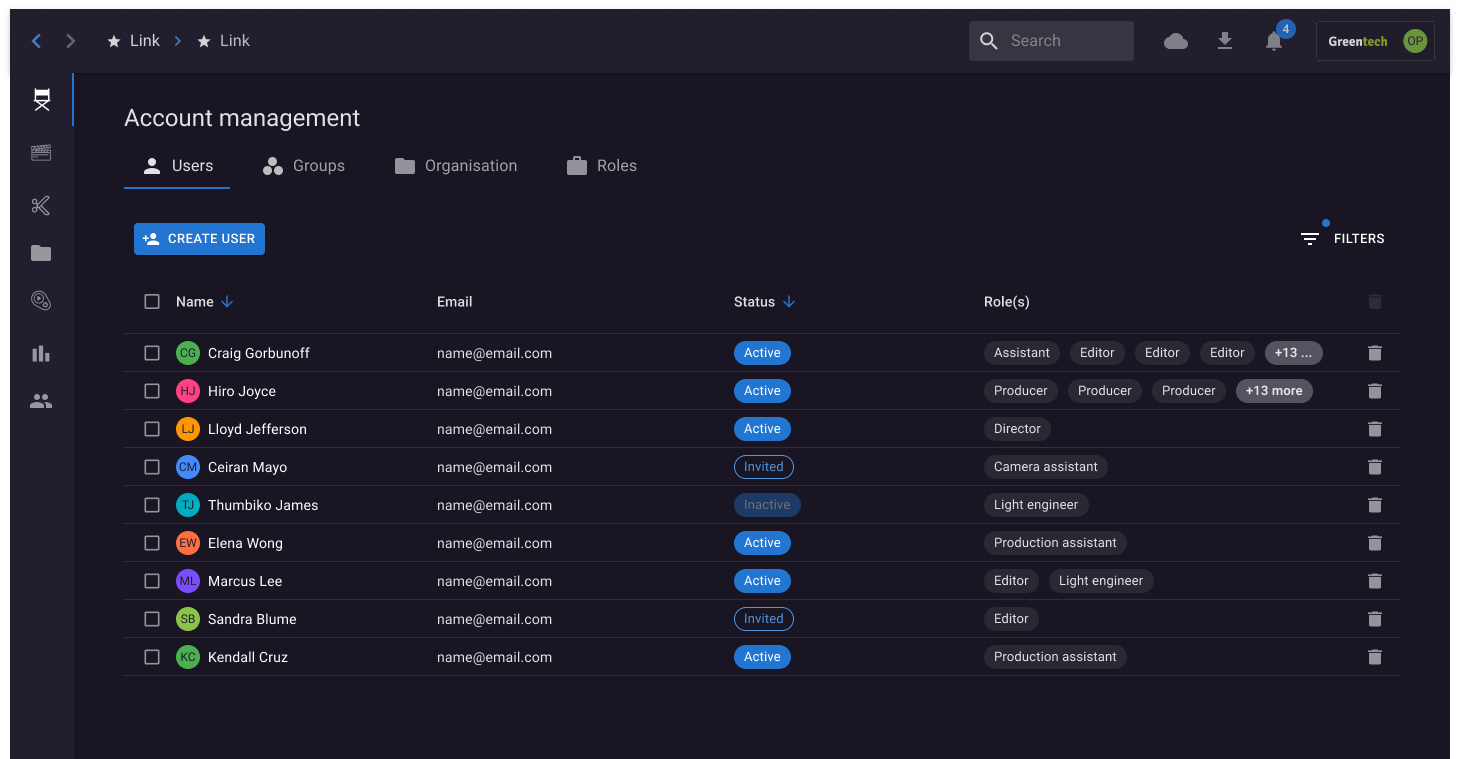
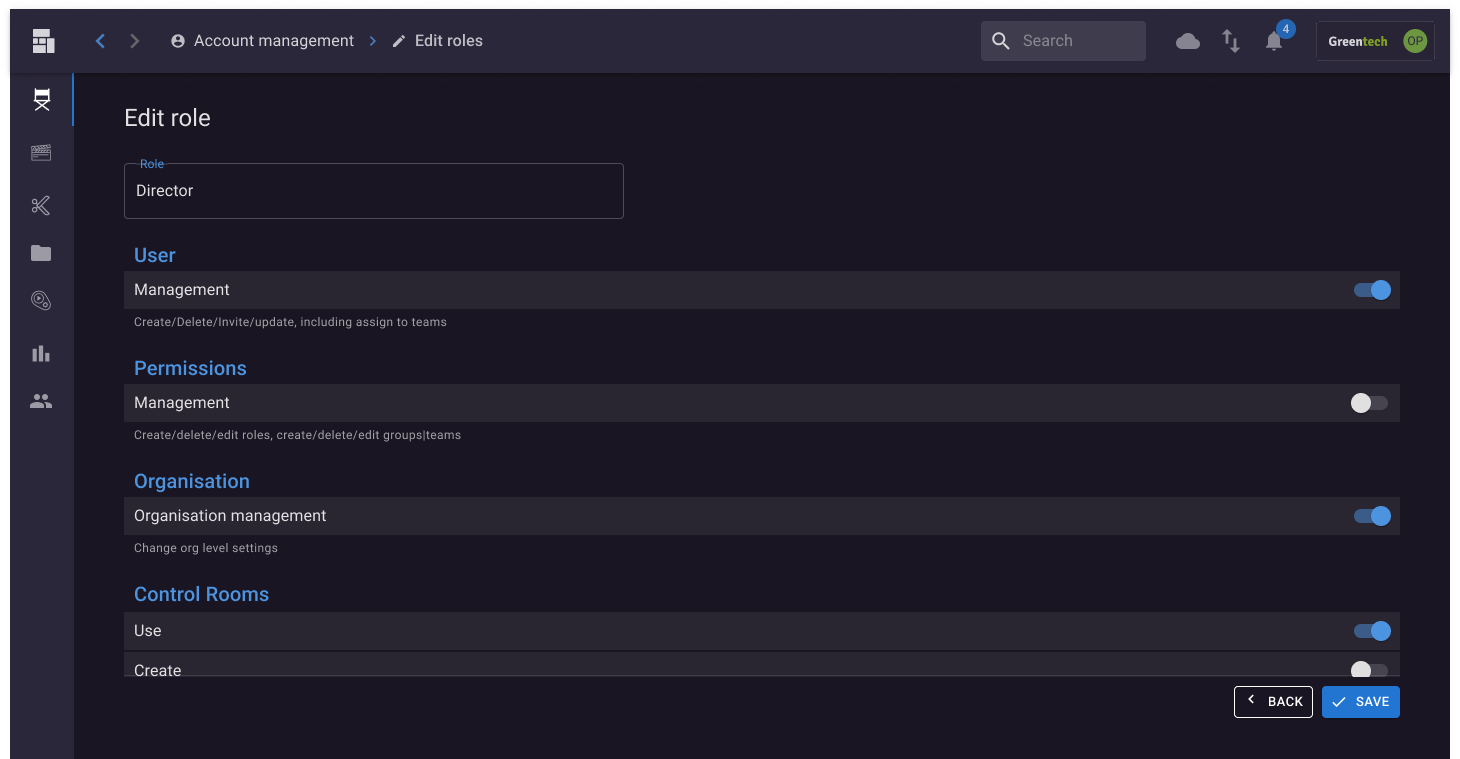
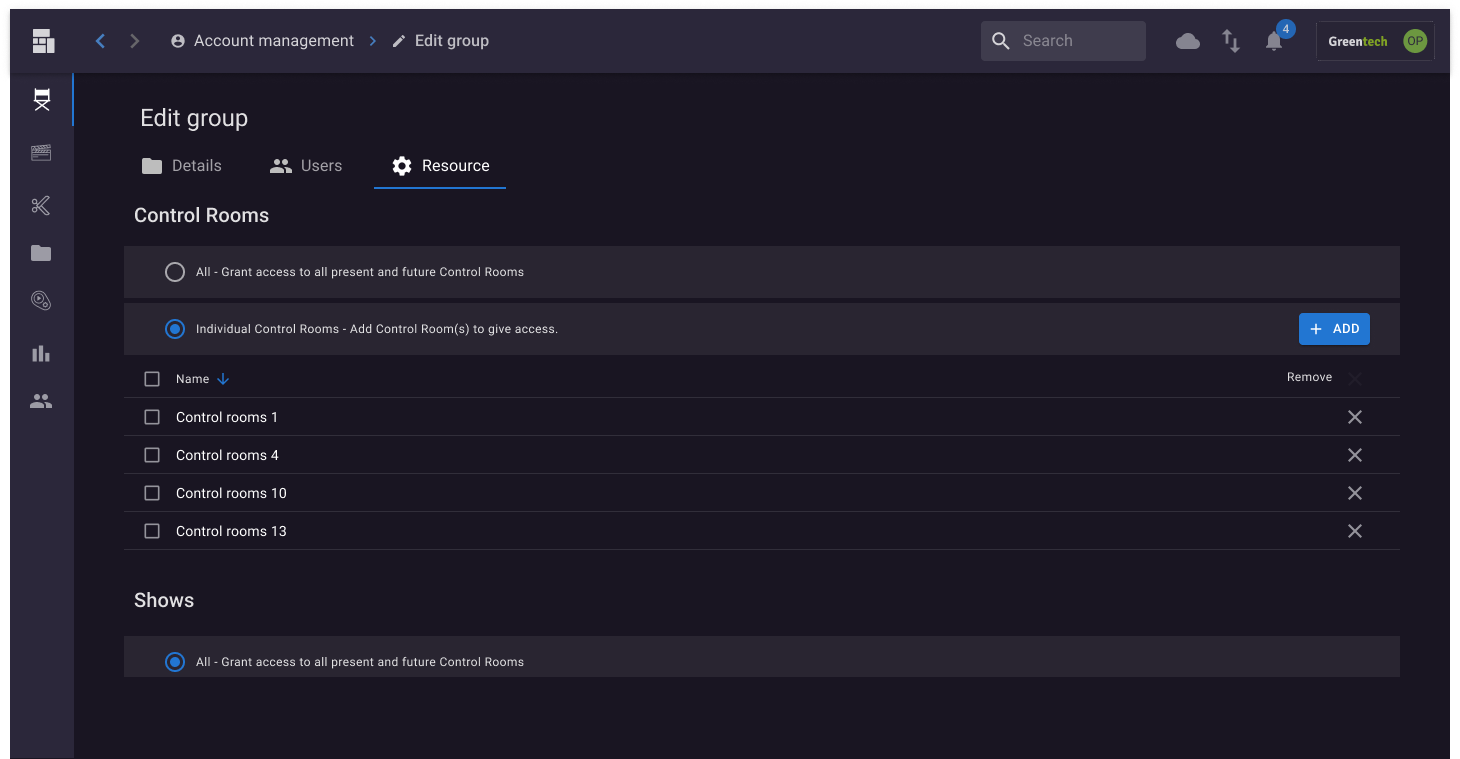
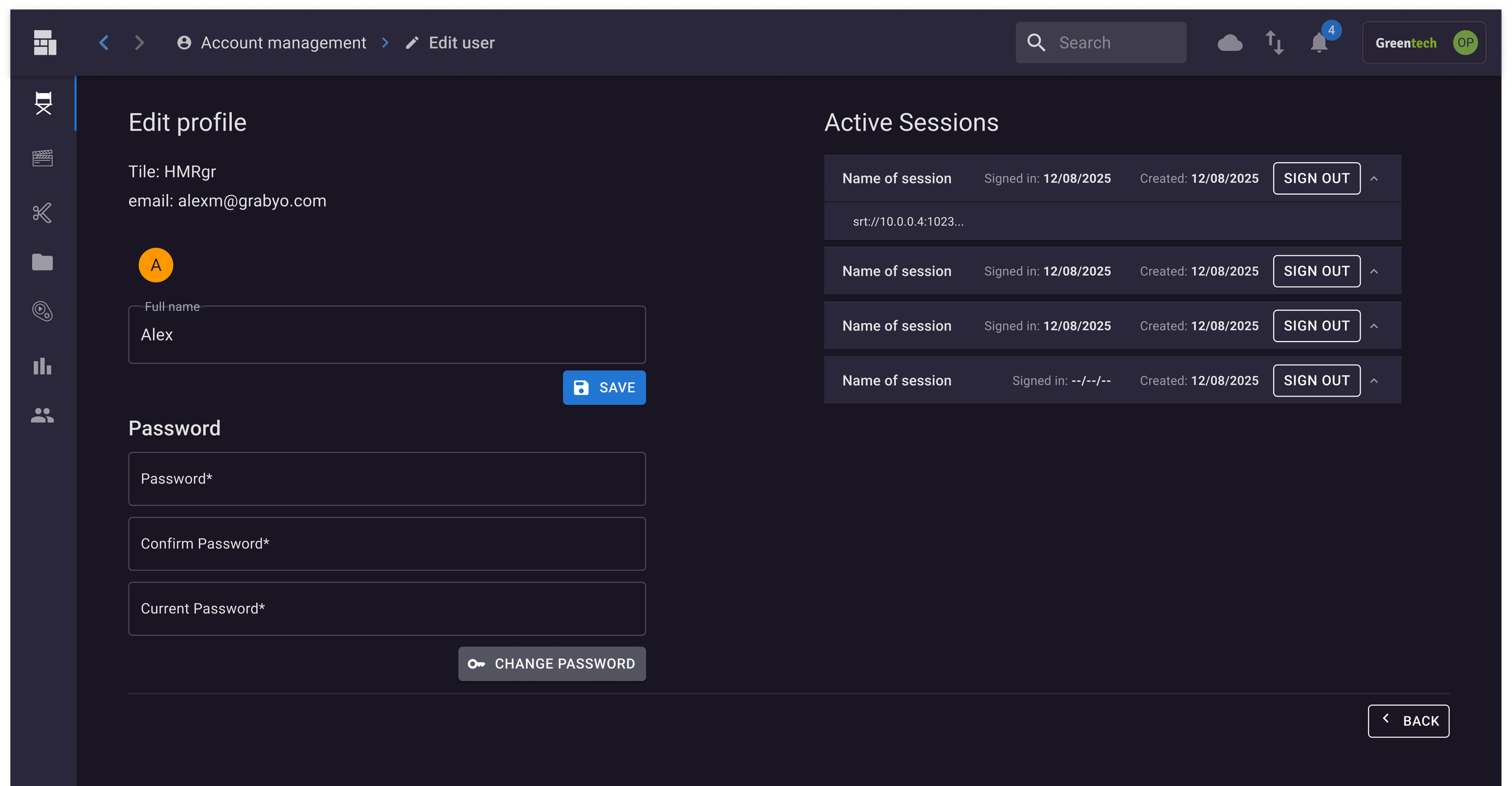
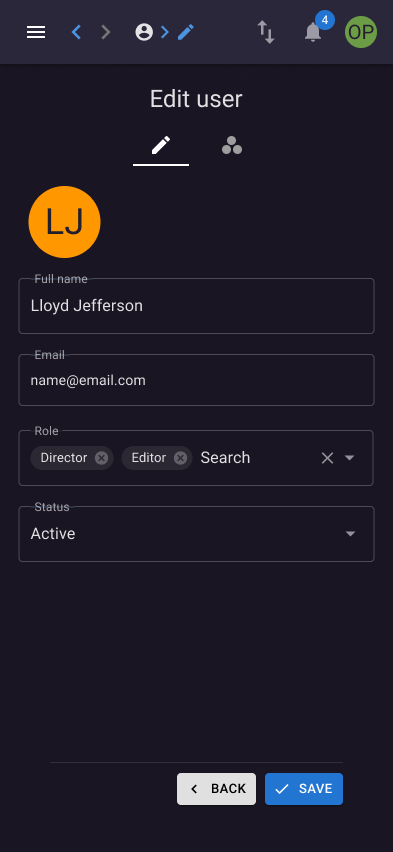
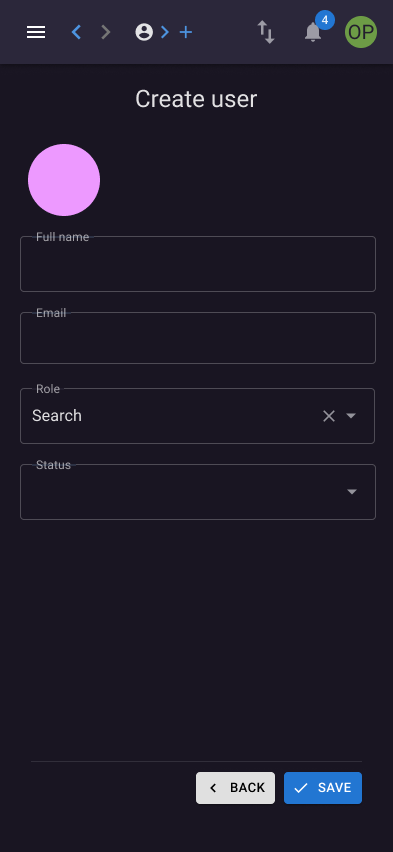
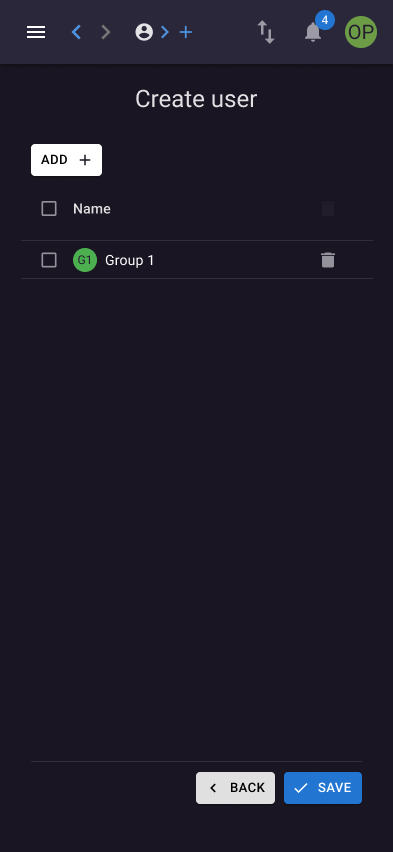
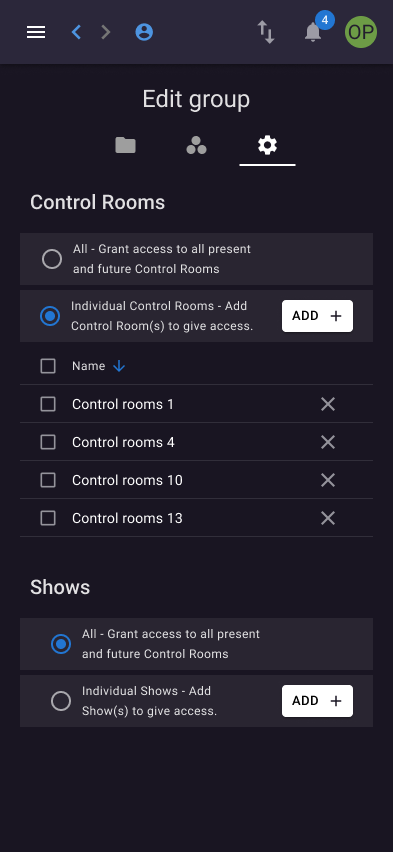
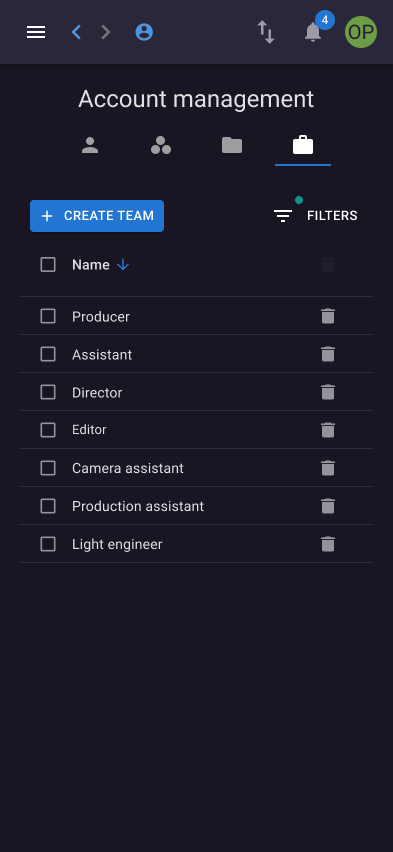
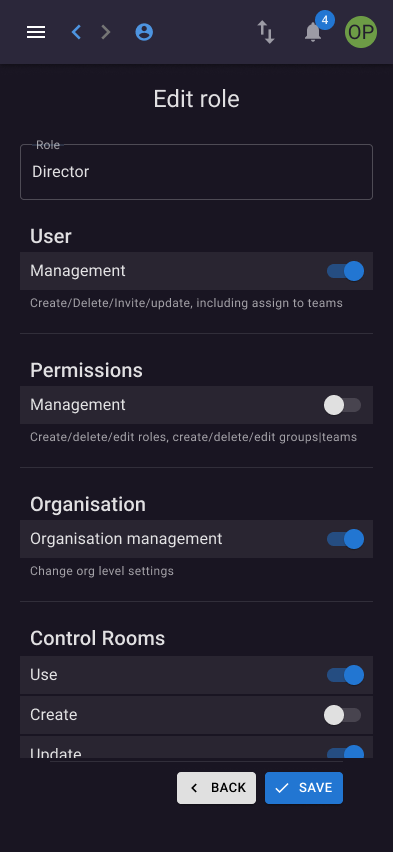
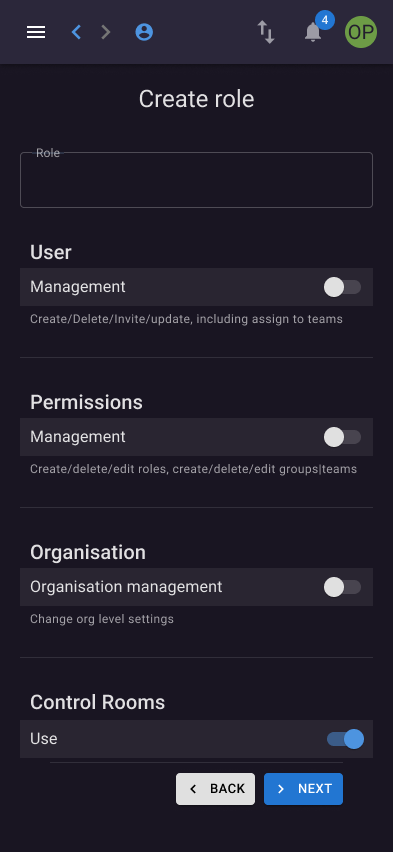
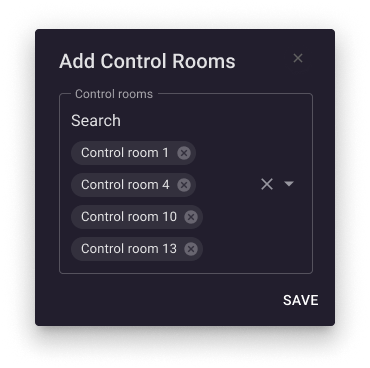
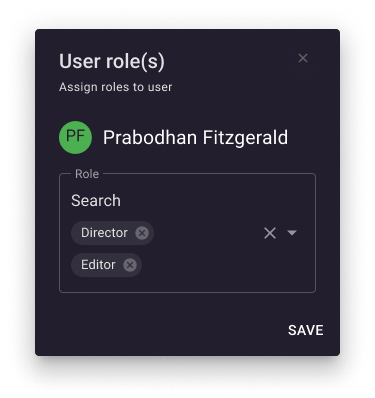
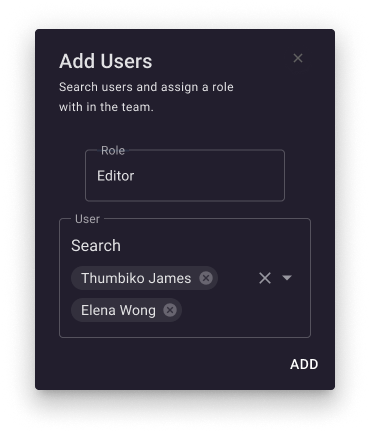
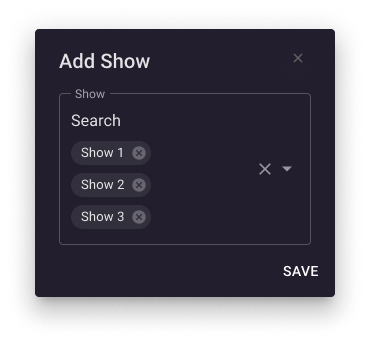
Account-management workflows cover creating users, editing profiles, assigning roles and managing groups. Consistent interface patterns help bring these administrative tasks into the same overall experience.
A cohesive interface system
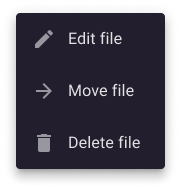
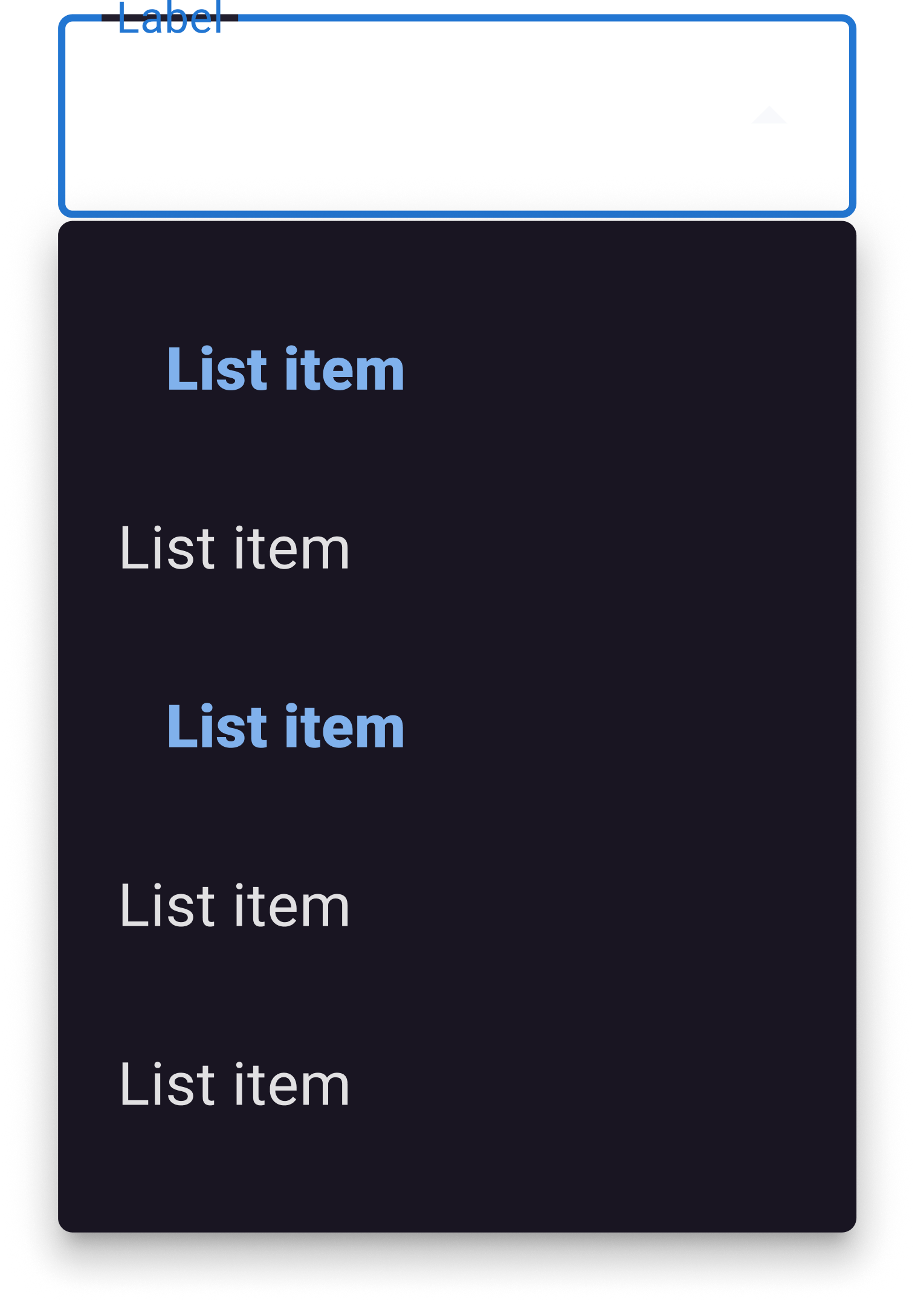
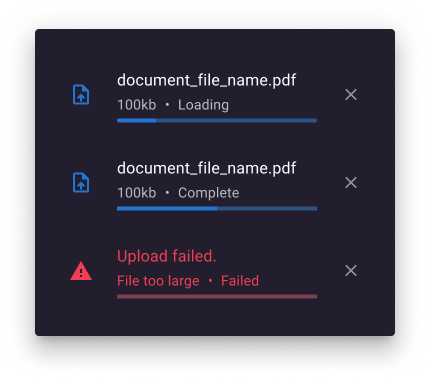
Across the platform, reusable components and consistent UI patterns create a common visual language. Building on MUI provided a foundation for consistency while allowing individual workflows to address their specific needs.
Desktop and mobile
Designed for the realities of production
The platform was primarily designed for desktop use, reflecting the demands of a professional B2B production environment.
Mobile interfaces were also developed for selected workflows, including asset management, file editing and user administration. This extended the experience beyond the desktop while maintaining consistency with the core interface system.
The outcome
A more cohesive foundation for a complex product
Over two years, the project reimagined the platform across a broad range of production and account-management workflows.
The resulting designs establish a more consistent interface language, bring greater structure to complex tasks and demonstrate how a shared design-system foundation can support a multifaceted B2B product.
The takeaway: Good product design makes complexity easier to navigate. By combining a systematic approach to UI with a focus on workflows and consistency, this project explored how a sophisticated live production platform could become a more coherent and intuitive experience.
Portfolio